

Back in the early ’80s, the Sinclair ZX81 stormed into British homes. Affordable, futuristic, and no bigger than a paperback, it brought computing to the masses at a time when most machines still cost as much as a used car. But for all its innovation, the ZX81 had one glaring flaw—that infamous membrane keyboard.
As tinkerers and homebrew heroes rose to the challenge, a wave of aftermarket upgrades hit the scene. Among the most intriguing? The Crofton Adaptakit Keyboard, a serious upgrade from Crofton Electronics Ltd of Twickenham. With a proper case, full-travel keys, and even video output enhancements, it promised to turn your humble ZX81 into something that finally looked—and felt—like a real computer. Let’s take a closer look at this classic mod that dared to give the Speccy a grown-up makeover.
Keyboard Upgrade Review: Crofton’s Adaptakit — Giving the ZX81 a Proper Typing Experience
If you’re a ZX81 owner, you’ll know all too well the limitations of Sinclair’s infamous membrane keyboard. That cling-film feel, the constant second-guessing of key presses—charming in its way, perhaps, but far from practical for serious retro computing. So, is there a fix? Crofton Electronics thought so. Enter the Adaptakit—a bold attempt to transform the ZX81 from a wobbly black wedge into a machine worthy of its software library.
A New Home for Your ZX81
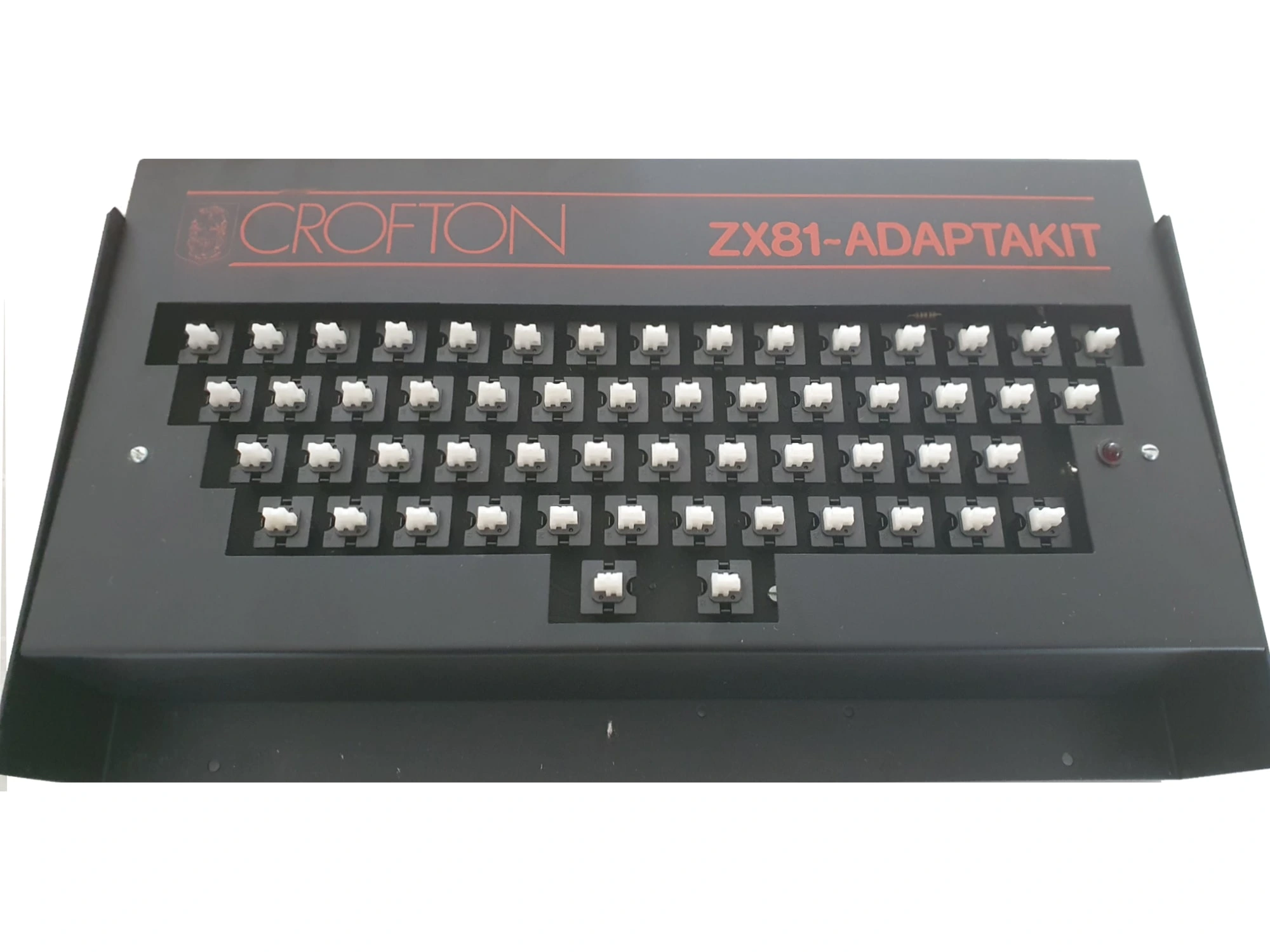
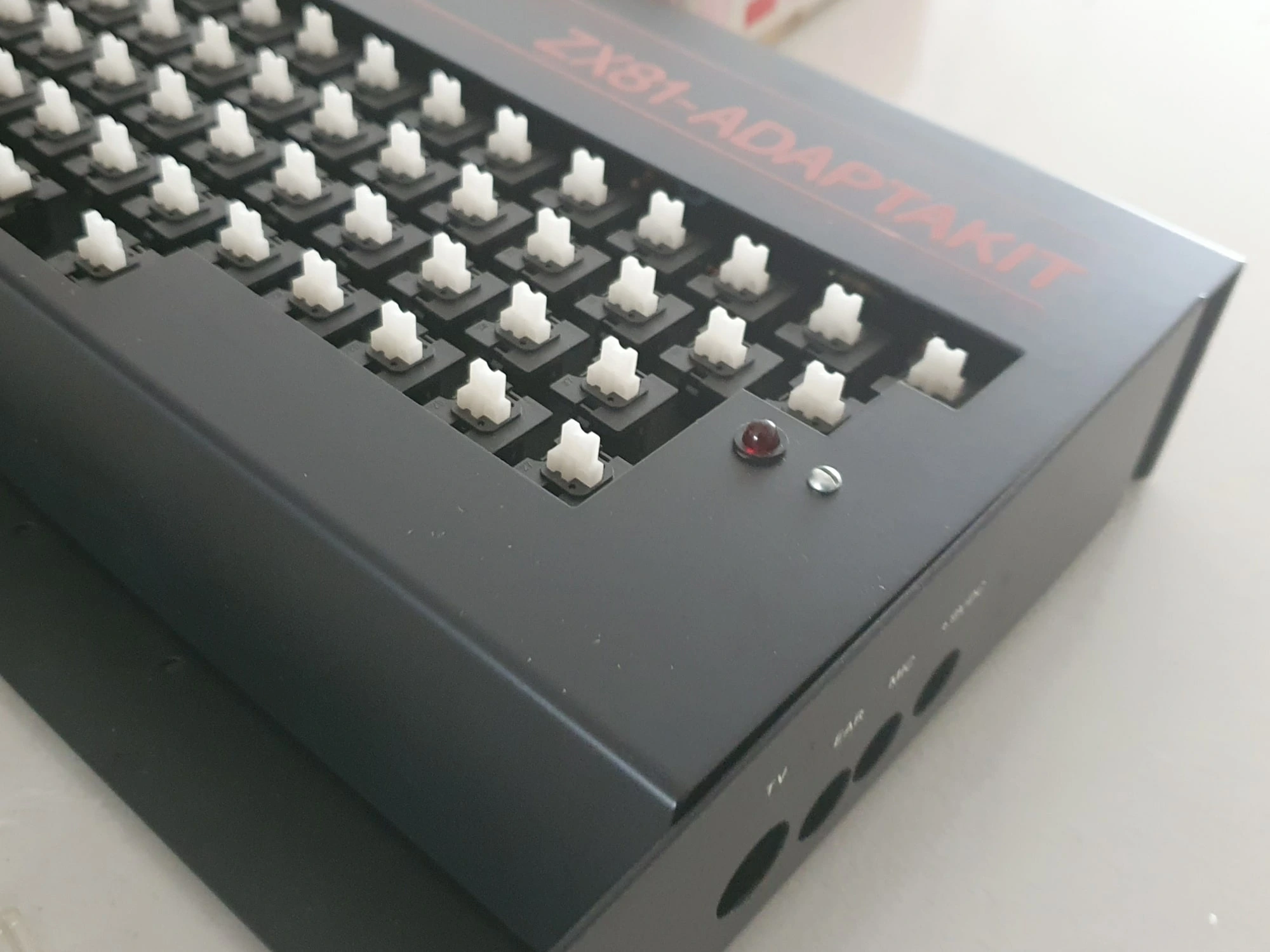
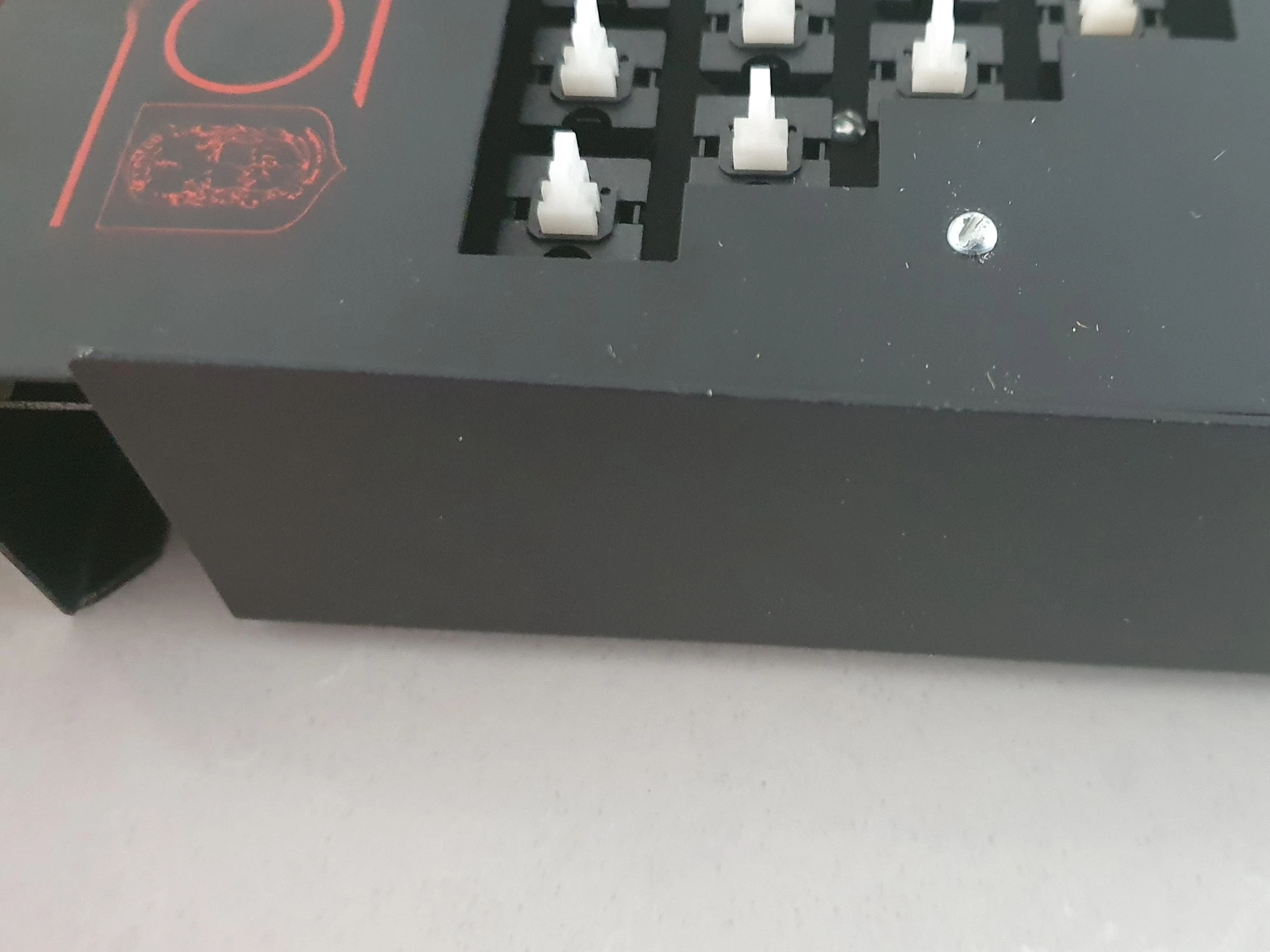
The Adaptakit arrives housed in a smart, matte-black metal case, roughly 12 inches by 6. Inside, your ZX81 is securely mounted, turning the whole affair into a compact, stable desktop unit that finally stays put on your desk. No more chasing the computer as you type!
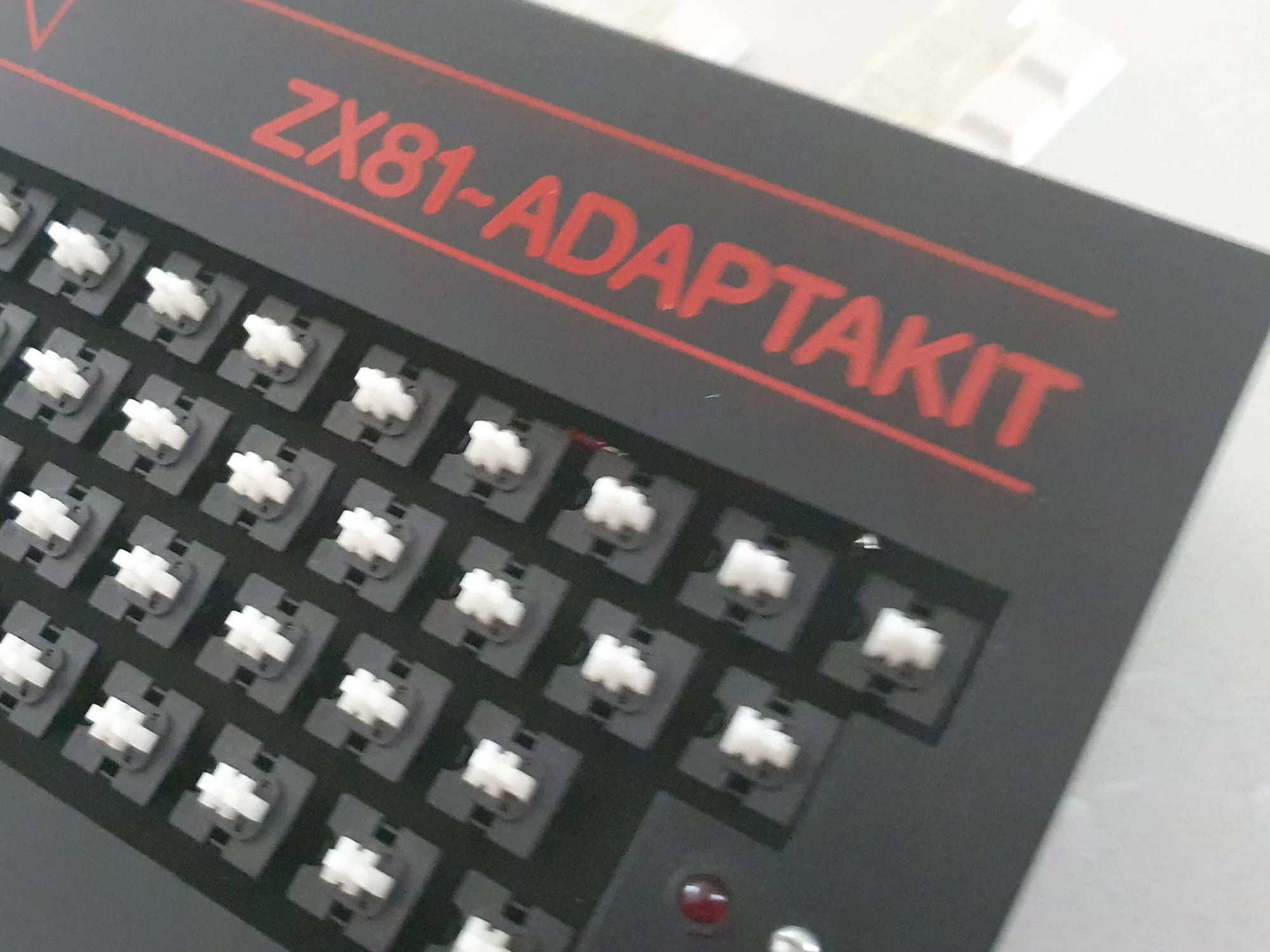
The real star, of course, is the new keyboard. With 54 full-travel keys, the layout mirrors the original ZX81 keys while adding dedicated buttons for GRAPHICS, COPY, EDIT, left/right cursor movement, and even a BREAK/SPACE bar (yes, an actual space bar!). Two shift keys round out the experience, making multi-key operations less of a finger-twister.
Usability: Better, But Not Perfect
Let’s be honest—the keys aren’t exactly IBM Model M quality. They have a slightly loose, rattly feel, and the flat box-top offers no ergonomic tilt. But despite these quirks, typing on the Adaptakit is worlds better than the ZX81’s membrane. Once you adjust to the revised key positions and the use of dual SHIFTs and extra function buttons, your speed and comfort will noticeably improve.
Under the Hood
Crofton didn’t stop at just the keyboard. The Adaptakit also includes a video amplifier, outputting a clean 1V peak-to-peak composite signal. That means you can bypass the RF modulator entirely and connect straight to a monitor—a godsend for anyone sick of tuning their old telly just to load a BASIC program.
A small power-on LED adds a nice modern touch, though it’s a bit of a missed opportunity that there’s no upgraded power supply included. You’ll still be relying on the original Sinclair PSU, connected via side cutouts in the case.
Installation & Compatibility
The unit comes fully assembled, but you’ll need to transplant your ZX81’s internals. That means removing the motherboard from its original case and disconnecting the membrane ribbons. The Crofton keyboard uses short ribbon cables to link up with your ZX81 PCB. Setup is straightforward for anyone who’s peeked inside a ZX81 before.
There’s also a slot in the rear of the case for your RAM pack and printer. A RAM support plate is designed to keep things stable and prevent the dreaded RAM pack wobble—a thoughtful touch, although our review unit didn’t include one. Hopefully yours will.
Verdict: Turning the ZX81 into a “Real Computer”
While the keyboard itself won’t win awards for tactile satisfaction, it’s leagues ahead of the factory original. Your games will respond faster, your typing will be less error-prone, and—let’s face it—your ZX81 will finally look like a proper computer.
At £42 (including VAT and postage) in the summer of 1982, the Crofton Adaptakit was a worthy upgrade for any ZX81 enthusiast looking to get serious with their Speccy. For the hands-on hobbyist, a DIY kit version was available for £37.15, offering a satisfying project and a touch of personalisation. And for those who preferred to avoid the screwdriver shuffle, Crofton even offered a fitting service—send in your ZX81 along with £8.62, and they’d return it neatly installed and ready to roll.
In a world where computing was still finding its feet, upgrades like the Adaptakit captured the pioneering spirit of the early ’80s homebrew scene. It wasn’t just about better keyboards or sharper video—it was about unlocking the potential of your humble ZX81 and making it truly your own.

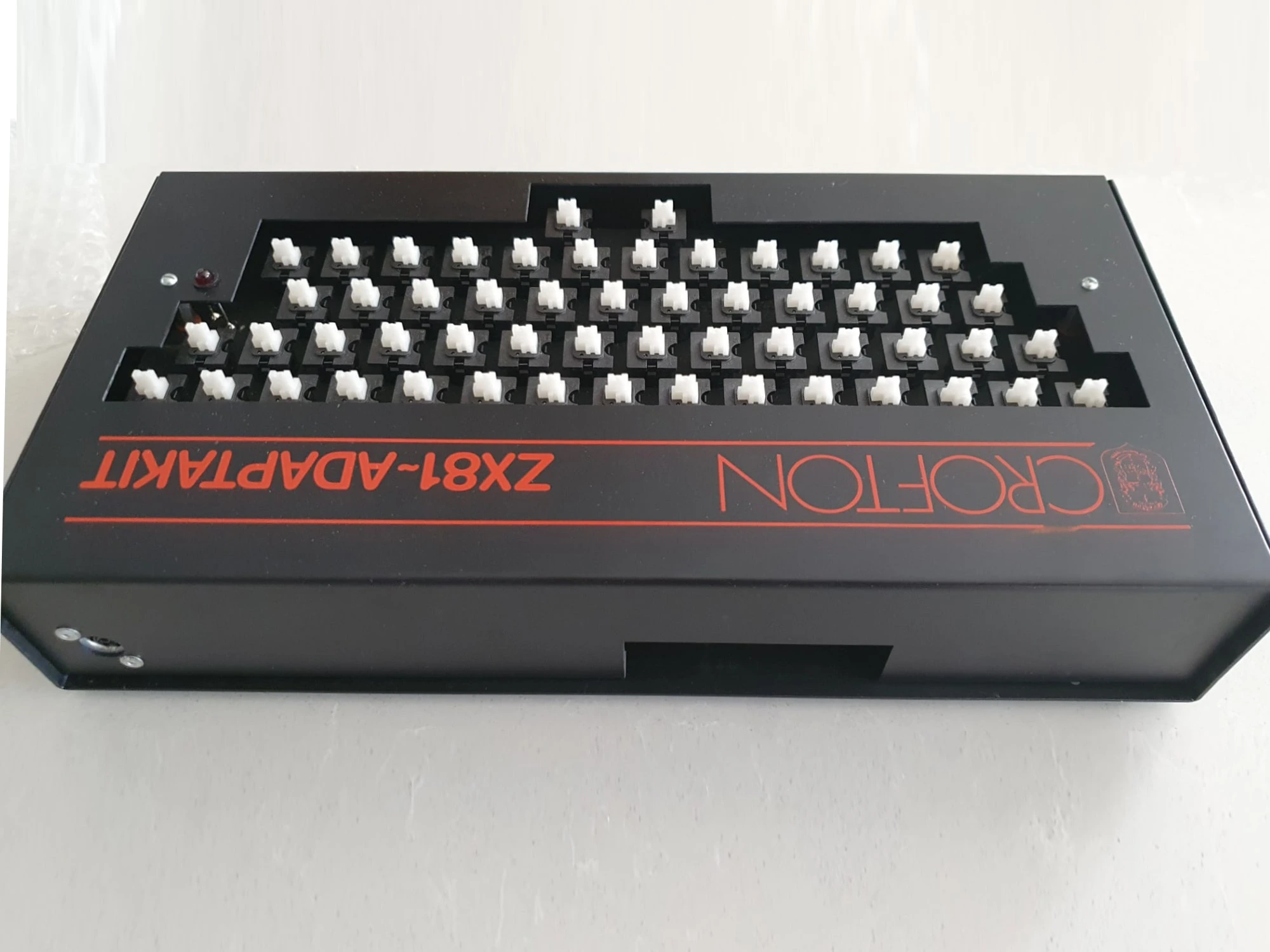
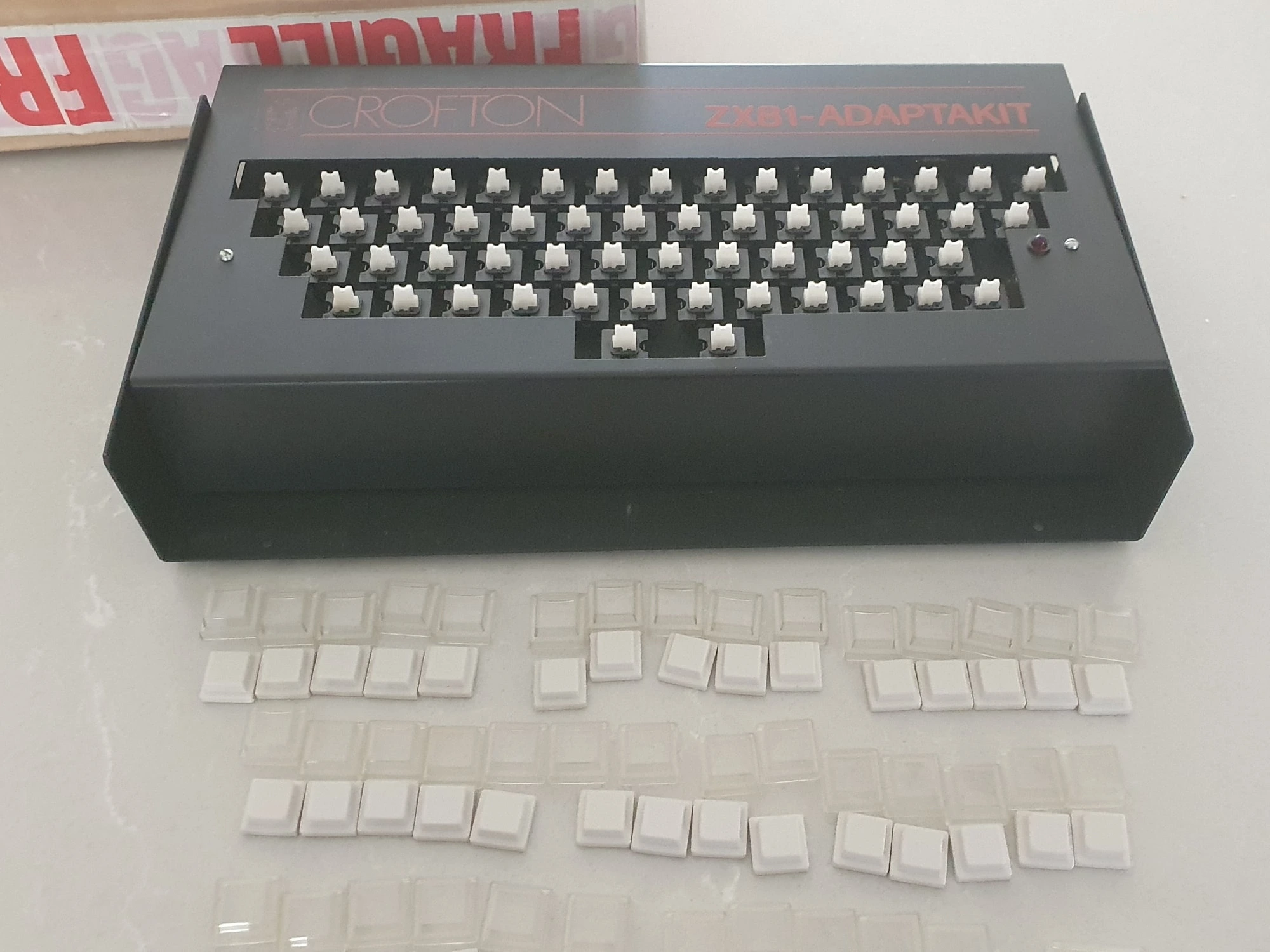
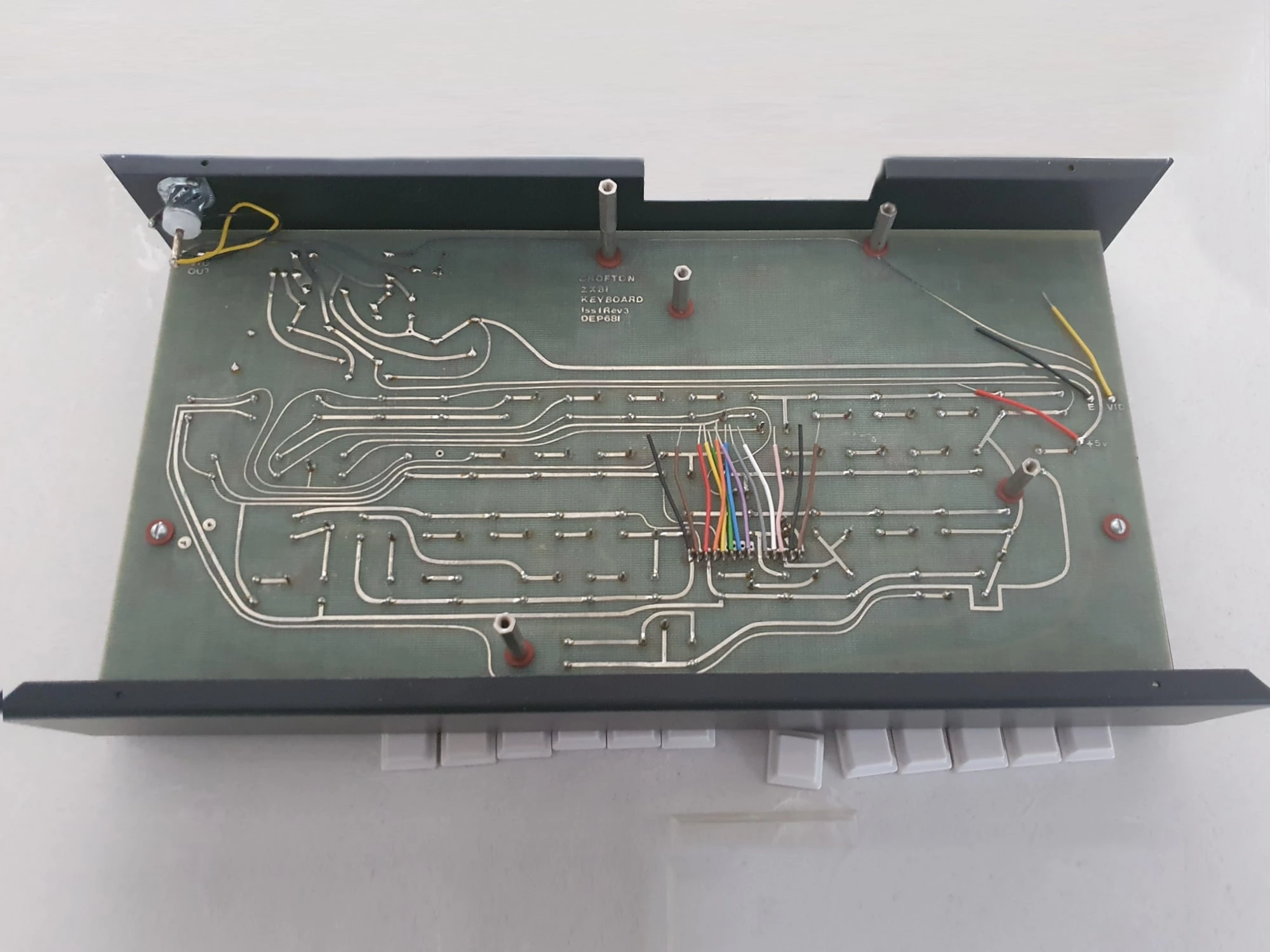
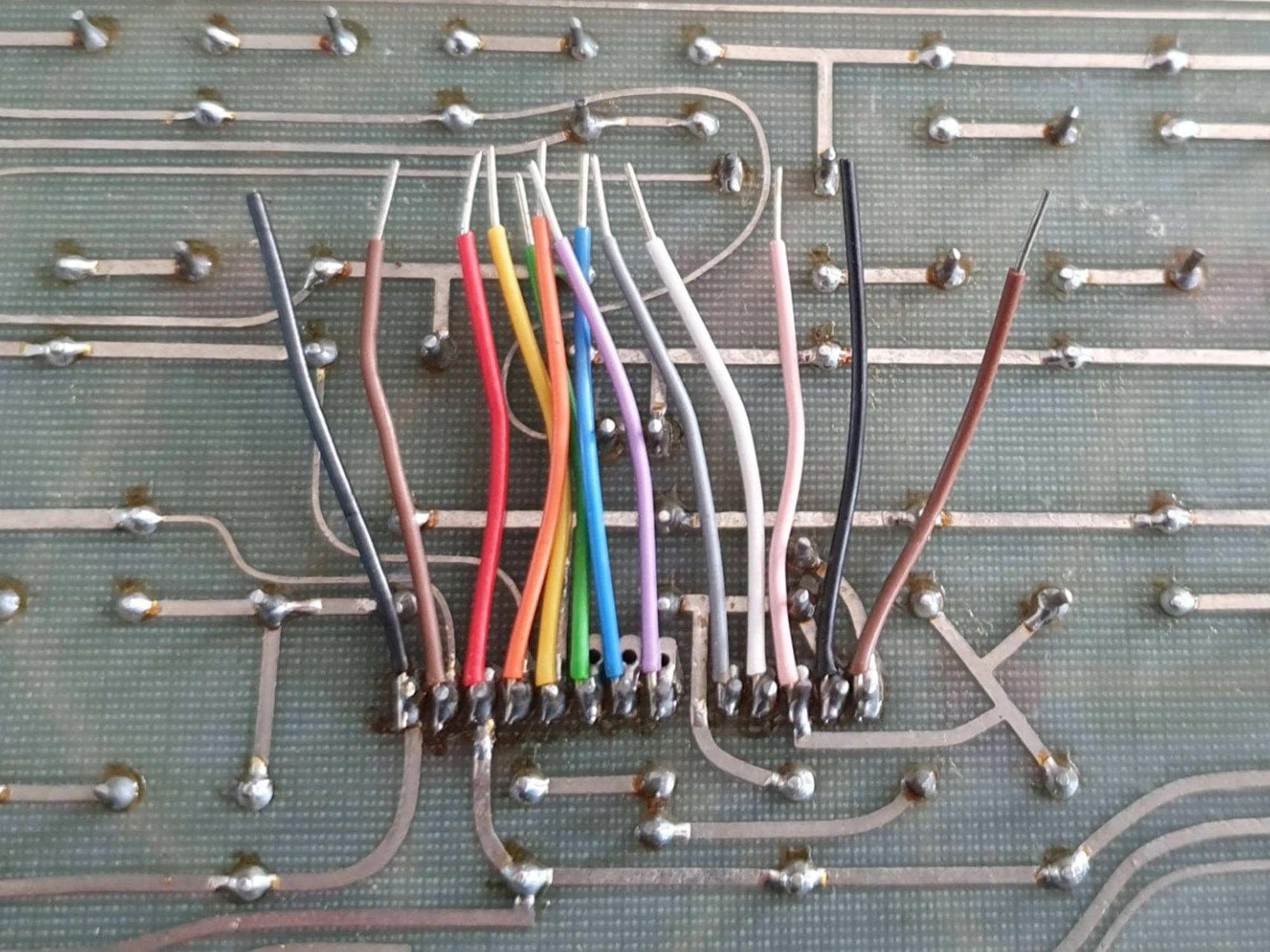
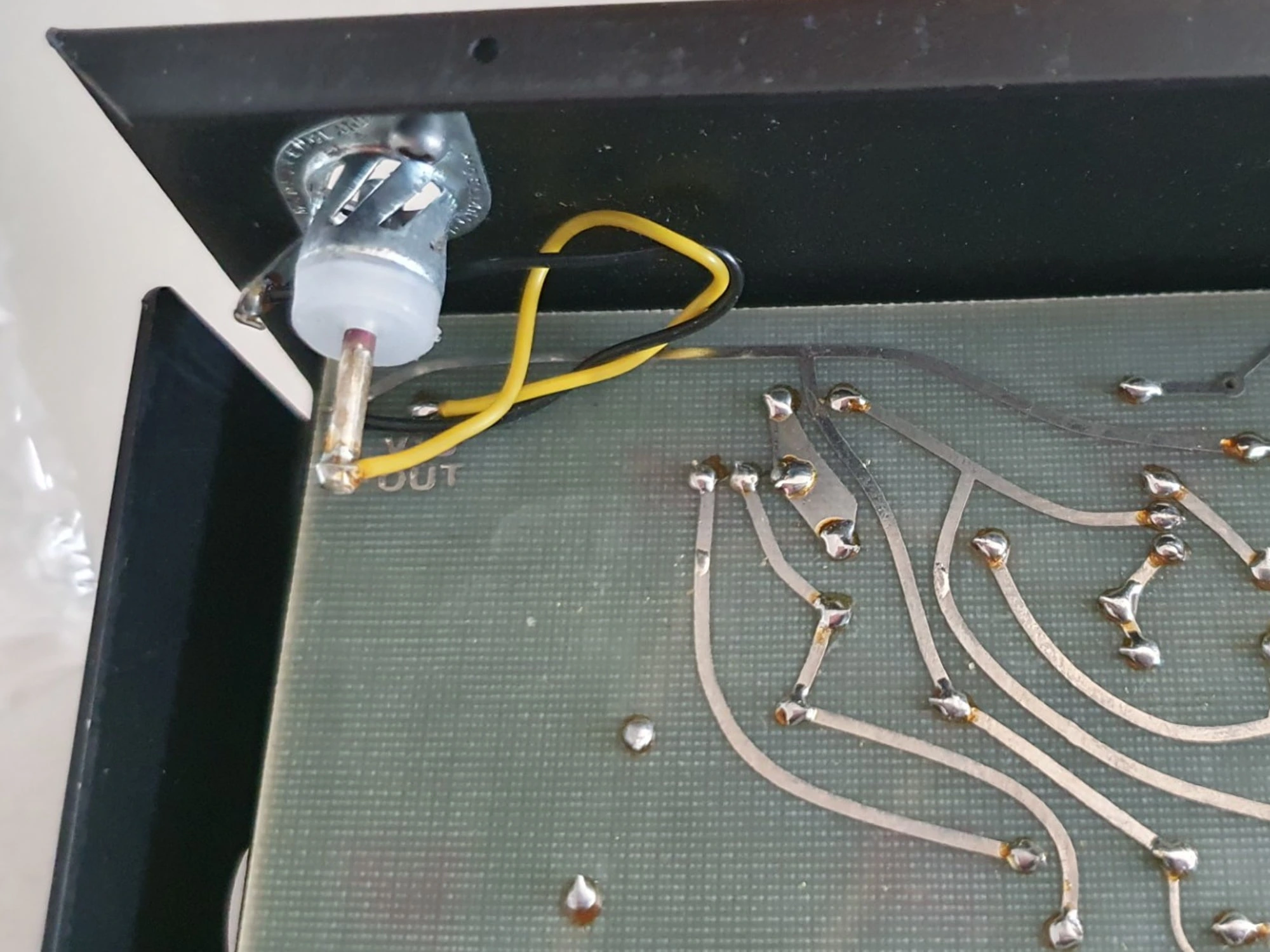
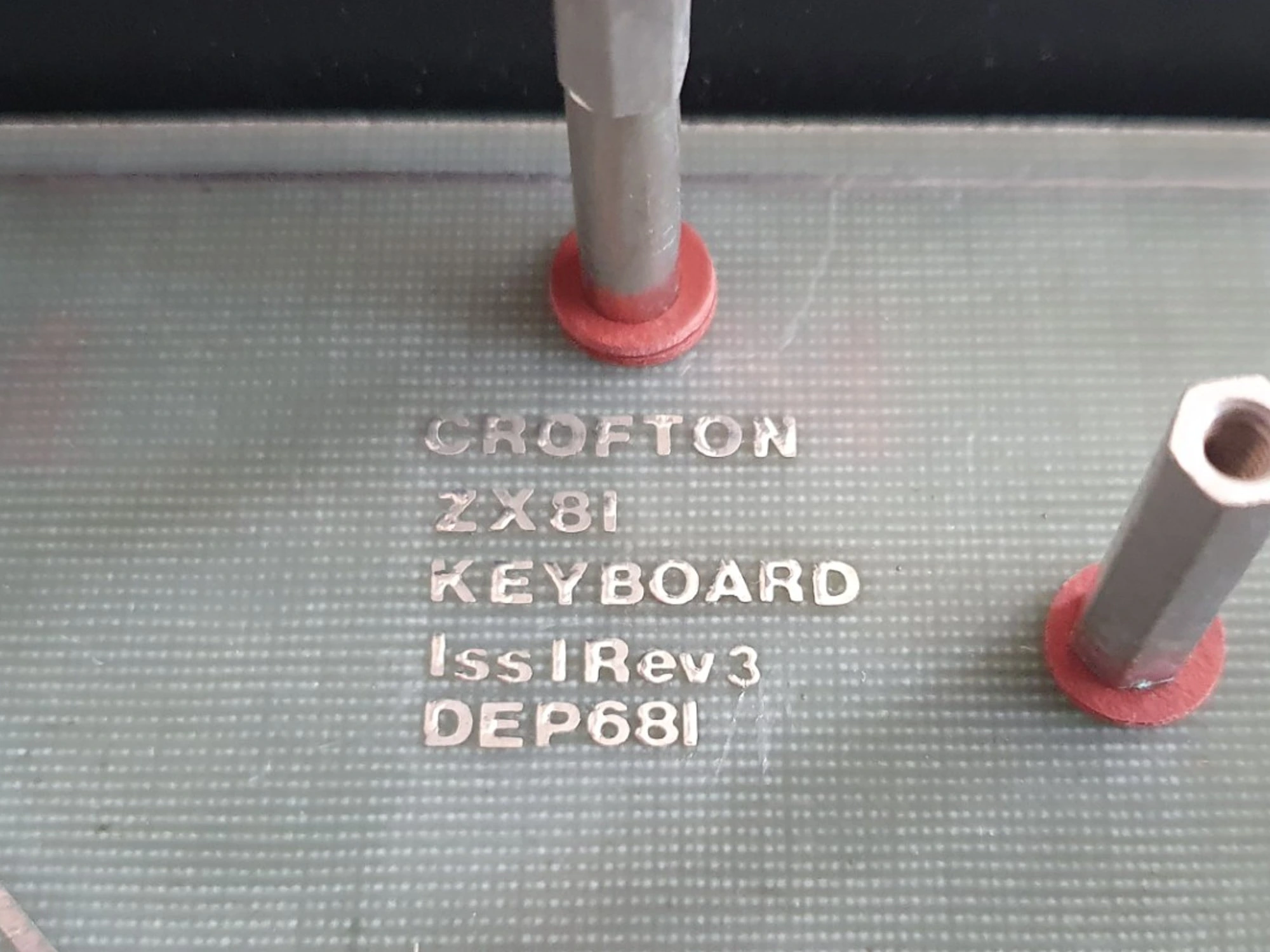
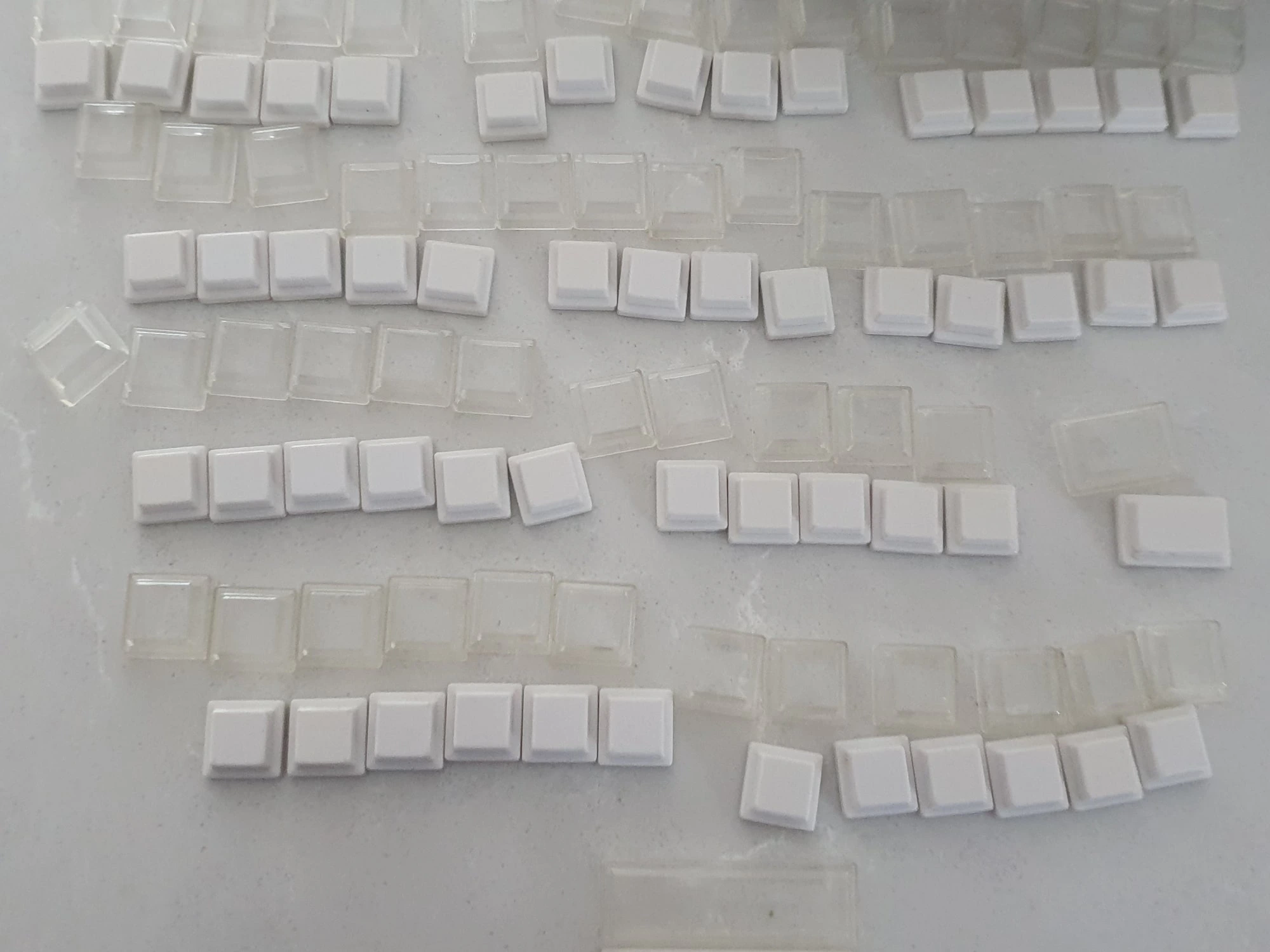
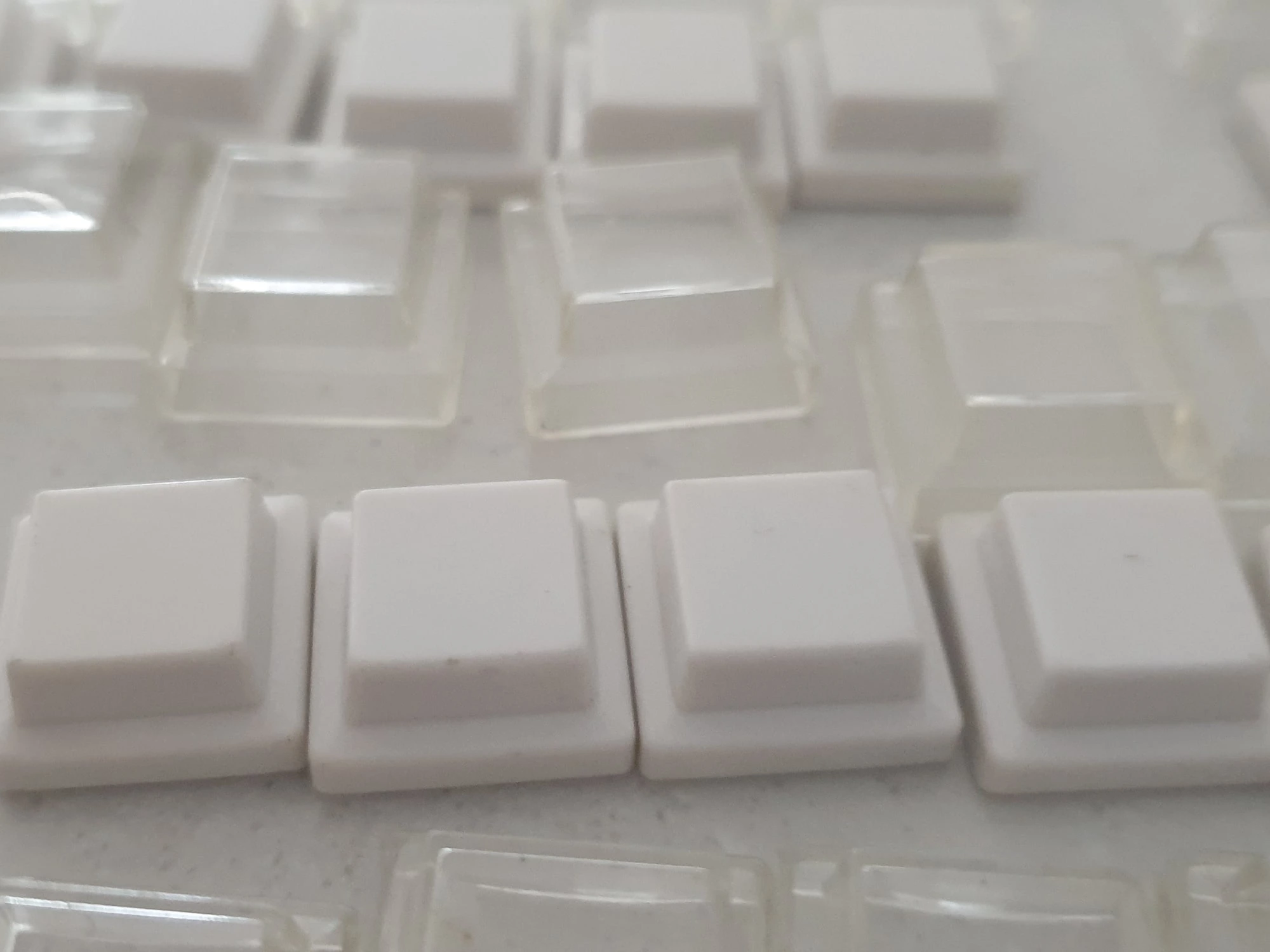
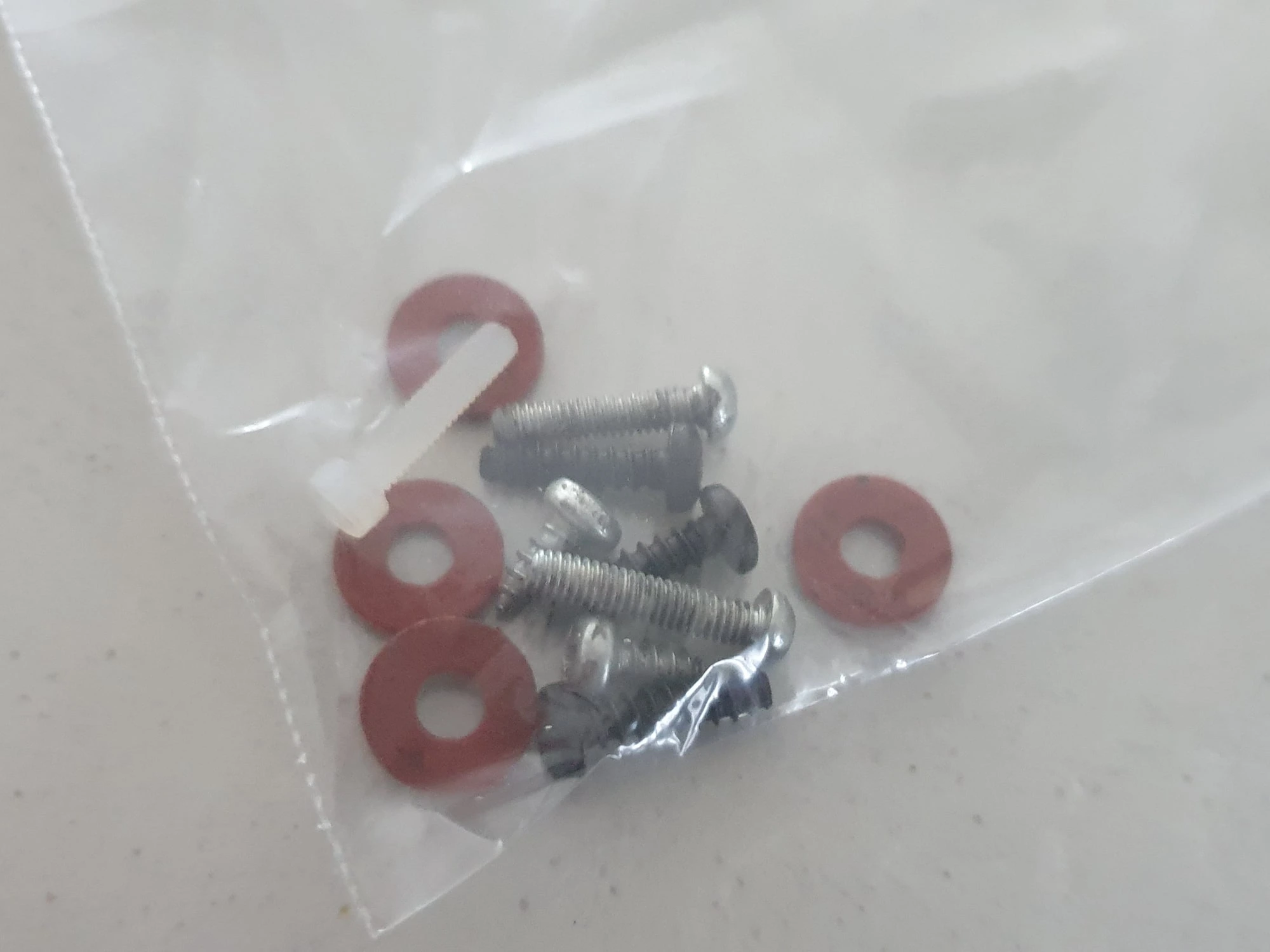
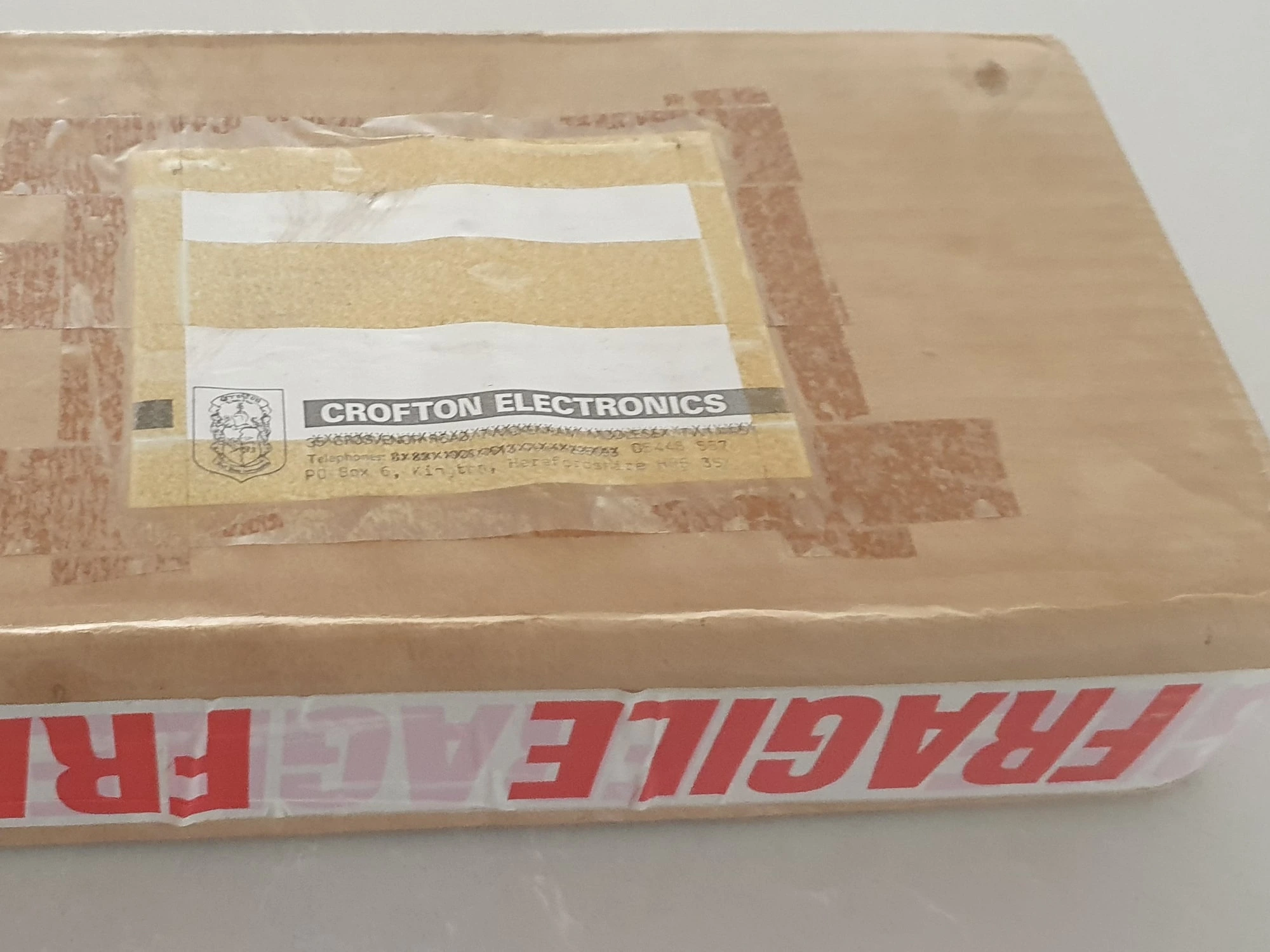
Photos supplied by Andrew Blood at Retro n Stuff.
Installation Manual
While a specific installation manual for the Crofton ZX81 Adaptakit Keyboard Issue 1 Revision 3 DEP681 is not readily available, general installation procedures for ZX81 keyboard upgrades involved:
Removing the Original Keyboard: Carefully detach the membrane keyboard from the ZX81’s casing.
Connecting the Adaptakit: Align and connect the Adaptakit’s ribbon cables to the ZX81’s motherboard, ensuring proper orientation and secure connections.
Securing the New Keyboard: Mount the mechanical keyboard into the ZX81’s case, using the provided fixtures or custom modifications as necessary.
Testing: Power on the ZX81 and test all keys to confirm functionality.
For detailed guidance, users often referred to the ZX81 Service Manual, which provided comprehensive information on the machine’s hardware and assembly procedures.
Legacy and Impact
The Crofton ZX81 Adaptakit Keyboard stands as a testament to the vibrant community of ZX81 enthusiasts and the era’s DIY spirit. By addressing the limitations of the original design, Crofon Electronics contributed to extending the usability and enjoyment of the ZX81, cementing its place in computing history.
