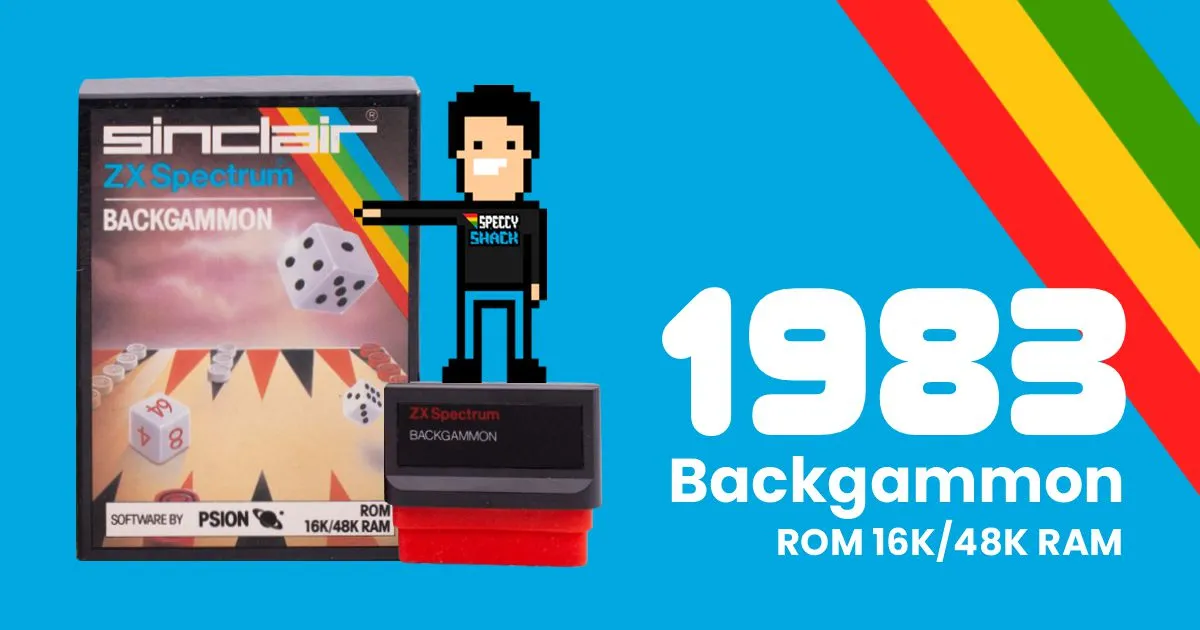
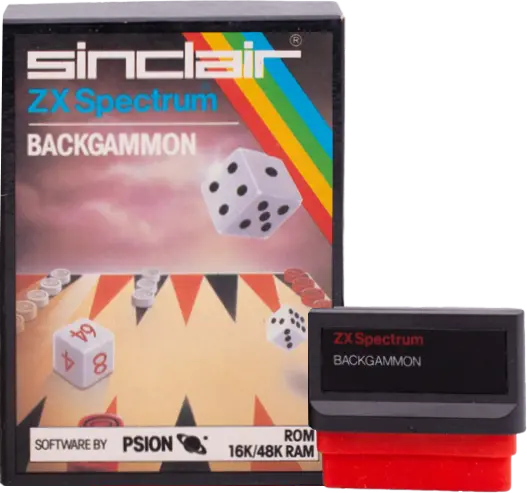
Backgammon is an incredible game—simple to grasp, quick-paced, and thrilling, striking the ideal balance between luck and strategy. This top-notch Backgammon software employs swift and effective machine code to determine its moves. Enjoy a fully loaded gaming experience, complete with a stunning graphical board, dice rolling, and a dynamic cube. To triumph against your ZX SPECTRUM, you’ll need more than mere fortune—bring your skills to the table!
Backgammon is this ancient game that’s been around for like 5,000 years, made for two players—though nowadays it can be you against a computer too. You play it on a cool board with pieces called ‘men’ or ‘stones,’ kinda like checkers, and you roll a couple of dice. There’s also this newer thing called the doubling cube that adds a twist, letting you use your skills more than just relying on luck to beat your opponent.
The board has 24 spots split into four groups of 6. You’ll notice the spots are shown as alternating black and white triangles and are labeled with letters from A to X in the game. When you look at the board, the black or red side is up top, and the white or light blue side is down below.
The ZX SPECTRUM plays from the top with the red pieces, while you play from the bottom with the light blue ones. There’s a thick black line down the middle called the bar. The two groups on the right of the bar are the inner tables, and the two on the left are the outer tables.
Your men play with the alphabet (from right to left at the top and from left to right at the bottom) and the ZX SPECTRUM’S red men move in the opposite direction.
Your goal is to transfer all your pieces into your inner board (positions S to X) and then remove them from the board before the ZX SPECTRUM accomplishes the same with his pieces and his inner board (positions A to F).
You and the ZX SPECTRUM alternate rolling the dice and moving one or more pieces the exact number of spaces shown on the dice. Each die must be used separately, and all moves must be valid. If a double is rolled, the value of the roll is multiplied by two, and you must make four distinct moves. If you can only use one die or the other, you are required to play the higher number, and you must utilize both rolls if it’s feasible.
If a player has two or more pieces on a specific point, that point becomes inaccessible to their opponent. The opponent cannot land on that point at any time, even for a brief moment.
If a player has just a single piece on a point (known as a blot), their opponent can land on that point and send the piece to the bar – this action is referred to as a hit.
If a player has one or more pieces on the bar, they must first remove them from the bar before making any other moves. When you are on the bar, you will enter the game (unless blocked) as if you had pieces on the point directly to the right of point A. Likewise, the ZX SPECTRUM will exit the bar as if it had pieces on the point immediately to the right of point X. A player unable to move off the bar may forfeit part or all of their turn.
When a player has all their pieces positioned in their inner board, they can begin the process of bearing off. If a roll results in a piece landing precisely one space beyond the final point, that piece can be borne off. Additionally, a piece can be borne off with a roll that exceeds the required number, as long as that piece is the farthest one from the home board.
At the start of the game, the doubling cube is positioned in the middle of the bar, displaying either 64 (which represents 1) or 2. While the doubling cube is in this position, either player can propose a double to their opponent. A player who wants to make a double offer (because they believe they have a good chance of winning) must do so at the beginning of their turn, before rolling their dice.
If the opponent refuses the offer, they forfeit the game, and the player who made the offer wins the points shown on the doubling cube before the proposal. If the offer is accepted, the doubling cube is adjusted to the next higher number and placed closer to the player who received it.
This player then gains control of the cube and is the only one who can make another double offer later on (which they may wish to do if the game shifts in their favour). In this case, the doubling cube and the right to propose a double would pass to them.
The initial player to remove all their pieces from the board earns at least the points indicated on the doubling cube. If the defeated player hasn’t removed any pieces and lacks a piece on the bar or within their opponent’s home board.
Once the program has been loaded, you will be prompted with several questions. Initially, you will need to select your ZX SPECTRUM gameplay difficulty level by pressing a number from 1 to 4, with 4 being the most challenging option.
Following that, you will be asked if you would like to manually input your own die rolls. Press Y for YES or N for NO. Only select Y for YES if you believe the program is being unfair or if you wish to compete against another computer (refer to the section below regarding the randomness of the dice).
Once the gameplay level is established, the score will be shown alongside the current level of ZX SPECTRUM gameplay. You will have the chance to return to the previous stage.
Once the gameplay level is established, the score will be shown alongside the current ZX SPECTRUM gameplay level. You will have the chance to return to the main page (press Y for yes) or to start a game (press N for no). If you do not make a selection within 40 seconds, the program will automatically switch to demonstration mode.
After you press N, the Backgammon board will appear, and the dice will roll to determine who goes first. The doubling cube positioned in the centre of the bar is set to 64, which actually represents 1 (this may seem unusual, but traditionally, a doubling cube does not have a 1, so 64 serves to indicate both 1 and 64).
If the rolled dice result in a double, the stake (as indicated by the doubling cube) will be increased to 2, and the dice will continue to be rolled until a non-double is achieved. Your die is on top: the player with the highest roll will play first with that same result.
YOUR TURN WITH THE n, where n represents the number on one of the dice. You will respond by typing a single letter that fits into one of three groups:
1 – Type A to X to move a piece from that position.
2 – Type Y to move a piece off the bar.
3 – Type Z to play the other die first.
As long as your move complies with the rules of Backgammon, the designated piece will be relocated to its new position. If your move is not permitted, a notification will appear explaining the reason for its illegality, and you will be prompted to make another move. If you find that you have no available moves, the program will indicate this and then proceed to the ZX SPECTRUM’s turn.
Once you have tapped the key or keys to execute your moves, you still have the option to reconsider by removing and re-entering your actions. To review your moves, hit the DELETE key (‘0’) on your Spectrum. This will revert your piece to its former location. You can then press a key to initiate a new move. When you are happy with your selections, press ENTER to finalize your moves and permit the Spectrum to carry out its actions.
DOUBLE OFFERED – Y TO ACCEPT
If you press Y to agree, the value on the doubling cube will increase, and the cube will shift to your side. If you hit any other key to decline, the Spectrum will prompt you to confirm your resignation. Press R to resign. The game will conclude with the ZX SPECTRUM claiming the current stake as indicated on the doubling cube.
Backgammon is a blend of skill and chance. It’s not uncommon for a less experienced player to occasionally win due to sheer luck. If you wish to gauge your performance against that of the ZX SPECTRUM, you should engage in a series of games for points. Typically, you’d play a fair number of games using the ‘first to eleven’ format, meaning the winner is the first to reach eleven points.
Backgammon is a blend of skill and chance. It’s not uncommon for a less experienced player to occasionally win due to sheer luck. If you wish to gauge your performance against that of the ZX SPECTRUM, you should engage in a series of games for points. Typically, you’d play a fair number of games using the ‘first to eleven’ format, meaning the winner is the first to reach eleven points.
At any point during your turn, you can request the Spectrum to suggest a move by pressing the ‘1’ key.